Revolver Arena Tools Hub
Settings, habits, and helpers that sharpen revolver duels — safely.
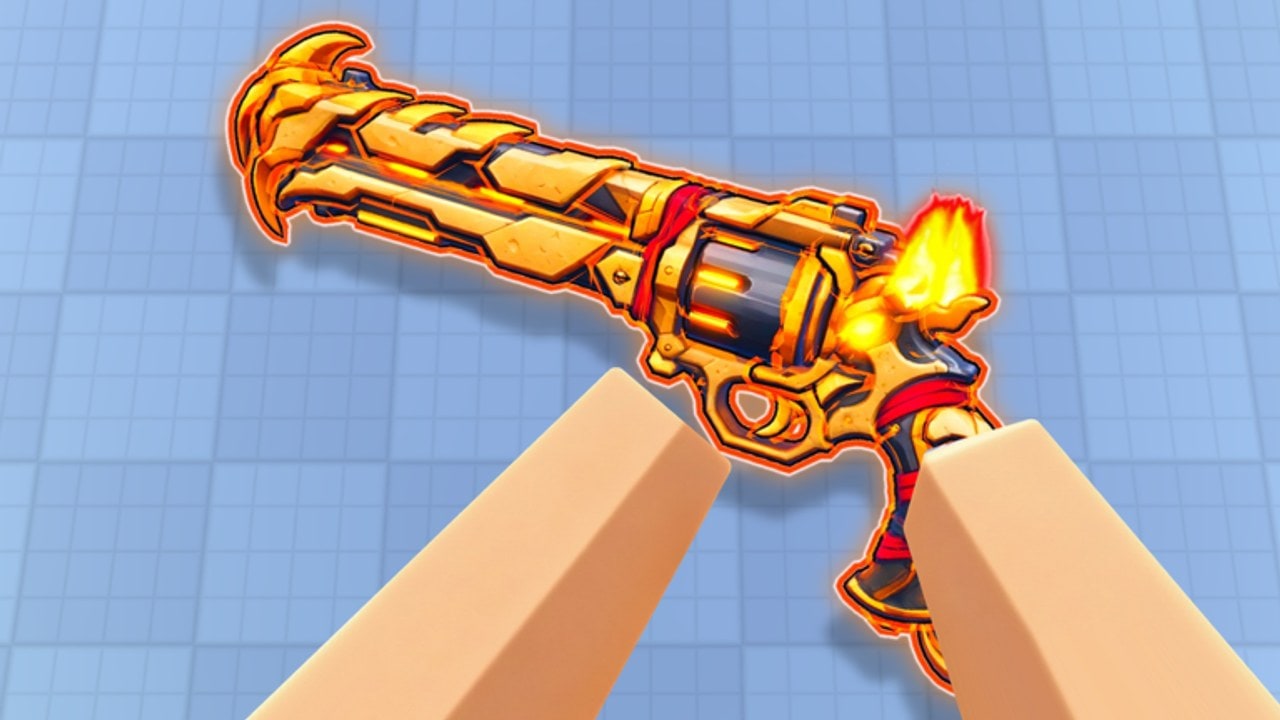
This hub collects practical tools for Revolver Arena players: recommended settings, clarity habits for one-shot aiming, and pointers to the rest of the wiki when you need a checklist instead of a lore dump. Nothing here replaces practice in eight-player lobbies, and nothing here should push you toward account-risking executors.
Start with Recommended Settings for sensitivity, FOV habits, mobile layouts, and graphics versus clarity. Use Getting Started, Controls, and Movement when the “tool” you need is mechanical knowledge.
What counts as a tool on this wiki
- Settings profiles — sens, FOV mindset, platform layouts, and performance toggles that keep enemies readable.
- Session checklists — warm-up order, quest order, and board focus before you queue.
- Reference links — modes, leaderboards, codes, and updates in one place so you are not alt-tabbing blindly.
- Safety boundaries — what not to install when a random chat message promises free skins or silent aim.
We do not treat shady injectors as featured tools. If you are researching that space at all, read Scripts for risk context and assume bans are possible. Competitive integrity in a one-shot arena collapses when even one player soft-locks every headshot.
Settings as a competitive tool
Revolver Arena rewards the first stable shot. Your best “tool” is a setup that keeps:
- Target contrast high enough to see peeks during slides.
- Frame time stable so wall-runs do not hitch mid-commit.
- Input comfort for M1 shoot / M2 aim (or R2/L2, or mobile fire).
- UI out of the kill zone — especially on phones where buttons cover angles.
Deep guidance lives on Settings. Come back here when you only need the map of what exists.
Session toolkit (five minutes before queue)
- Claim anything new on Codes.
- Note daily quests / Arena Pass tasks (Arena Pass).
- Pick a board focus if you care: Kills, Wins, or Level (Leaderboards).
- Choose a mode using the Mode Tier List.
- Confirm sens and graphics still feel right after Roblox or device updates.
That checklist is a tool. Skipping it is how players “warm up” for twenty deaths in the wrong playlist.
Clarity tools (non-settings)
- Crosshair discipline drills — ten intentional peeks in FFA where you only take the shot if the landing is stable.
- Route notes — after map vote, name one vault line and one escape before round start (Movement).
- Mute and leave — audio toxicity and unwinnable stacks are performance bugs; Players covers lobby hygiene.
- Patch awareness — skim Updates so you are not fighting yesterday’s assumptions.
Cosmetics are not aim tools
Cases, revolver/knife/katana skins, and kill effects can change how busy your screen feels. If a loud kill effect or ultra-bright skin distracts you, unequip it during serious climb nights. They do not alter damage. See Skins and Cases.
Platform quick links
| Platform | Tool focus |
|---|---|
| PC | Sens curve, FOV comfort, key clarity for Ctrl/C slide, R reload, Q swap |
| Controller | Ramp/deadzone feel for R2/L2 aim-fire, face-button movement access |
| Mobile | Button scale/positions, aim assist comfort, thumb clarity while sliding |
Full recommendations: Settings. Control reference: Controls.
How this hub connects
- Improve raw decision-making with Tier List and Game Modes.
- Improve social odds with Players.
- Improve progression with Codes and Arena Pass.
- See the full site brief on Wiki Overview.
Use tools to remove friction. Then spend the freed attention on the only mechanic that finishes fights: a calm revolver shot after a smart slide.
Frequently Asked Questions
Quick answers for Revolver Arena players.
What tools does this Revolver Arena wiki offer?
Settings guidance, session checklists, and links to modes, leaderboards, codes, and safety notes — not cheats.
Will scripts improve my rank?
Risky scripts can cost the account and ruin lobbies. Climb with settings, movement, and mode choice instead.
Where should I start in Tools?
Open Recommended Settings, apply one change at a time, then verify in a Free For All warm-up.
Do skins count as tools?
Only for comfort and readability. They are cosmetic and never required to compete.